Choosing the smartest AI assistant does not always mean choosing the best one for your business.
If you run a small business, you have probably heard about ChatGPT, Claude, Gemini, and Perplexity.
Each promises to help you work faster, save time, and improve productivity.
But there is one problem.
With so many AI tools available, how do you know which one is actually useful for your daily work?
The answer is simpler than you might think.
Instead of asking which AI assistant is the smartest, ask a more practical question:
“Which AI assistant can help me complete my business tasks better?”
This AI assistant comparison for business owners will help you understand where each tool fits, what it does well, and how to choose without wasting money on unnecessary subscriptions.
Why Choosing the Right AI Assistant Matters
Small business owners handle multiple responsibilities every day.
One moment, you are replying to customer emails. Next, you are preparing a proposal, reviewing sales numbers, researching competitors, or planning your next marketing campaign.
AI assistants can help with many of these activities.
But not every business needs the same solution.
A digital marketing consultant may need help creating content and developing campaign ideas.
An accounting firm may spend more time reviewing documents and preparing reports.
An online store owner may need assistance analyzing sales data and researching competitors.
The best AI assistant depends on your work, your existing tools, and how much time it can realistically save.
Let’s compare four popular options.
1. ChatGPT: A Flexible Assistant for Everyday Business Tasks
ChatGPT is a practical starting point for business owners who need help with different types of work.
You can use it to brainstorm ideas, prepare drafts, organize information, analyze data, and plan business activities.
For example, imagine you operate a small digital marketing agency.
You could ask ChatGPT to create a monthly content calendar, prepare email campaign ideas, analyze an uploaded campaign report, or draft a client proposal.
Instead of starting every task from scratch, you get an initial version that you can review and improve.
Where ChatGPT can help
ChatGPT is useful for marketing content, customer communication, business planning, spreadsheet analysis, and general problem-solving.
Depending on your plan and available tools, it can also support document creation, connected business applications, and team workflows.
What to consider
AI-generated content still needs human review.
For example, a marketing plan may look convincing but contain assumptions that do not match your customers or budget.
You need to provide clear instructions and check the output before using it.
Who should consider ChatGPT?
Small business owners looking for one flexible AI assistant to support several everyday activities.
2. Claude: A Strong Option for Writing and Document Work
Many businesses spend considerable time reading, writing, and editing documents.
This includes proposals, reports, agreements, internal procedures, and client communications.
Claude is worth testing when this type of work is a major part of your routine.
Imagine you run a consulting business.
A client sends you a long project brief containing requirements, deadlines, and background information.
You can ask Claude to summarize the document, identify important requirements, suggest questions, and help prepare a structured response.
You can also use it to rewrite complicated business communication in simpler language.
Where Claude can help
Claude can assist with reviewing long documents, preparing reports, editing proposals, organizing information, and creating structured written content.
Its Projects feature also allows you to organize documents and instructions around specific work.
What to consider
A well-written response is not automatically accurate.
When working with contracts, financial reports, or client requirements, verify important details against the original documents.
Who should consider Claude?
Consultants, service providers, writers, and business owners who regularly work with detailed documents.
3. Gemini: A Practical Choice for Google Workspace Users
If your business already relies heavily on Gmail, Google Docs, Sheets, and Drive, Gemini deserves attention.
Its main attraction is how it works with Google’s business ecosystem.
For example, imagine you manage a small online business.
You receive customer inquiries through Gmail, maintain sales records in Google Sheets, store product details in Drive, and prepare marketing documents in Google Docs.
Gemini can help you draft email replies, summarize documents, explore spreadsheet information, and work with information available across supported Google Workspace applications.
This can reduce the need to move information manually between different tools.
Where Gemini can help
Gemini is especially relevant for businesses that use Gmail, Google Docs, Google Sheets, Google Drive, and other supported Google services.
It can assist with communication, document creation, information summaries, and connected workflows.
What to consider
The available features depend on your Google Workspace plan, permissions, and integrations.
Check which capabilities are included before deciding to subscribe.
Who should consider Gemini?
Small business owners and teams who already manage much of their daily work through Google Workspace.
4. Perplexity: A Research-Focused AI Assistant
Before making important business decisions, you often need reliable information.
You might want to understand a market, study competitors, explore customer trends, or compare business solutions.
This is where Perplexity can be useful.
Unlike a tool used mainly for drafting content, Perplexity places strong emphasis on finding information and showing linked sources.
Imagine you are planning to launch a new service.
You want to understand customer demand, competitors, pricing patterns, and relevant market developments.
Perplexity can help gather information from multiple sources and present a summarized answer with references.
This gives you a useful starting point for further research.
Where Perplexity can help
Perplexity is useful for competitor research, industry research, exploring business trends, comparing options, and finding supporting sources.
It also offers file-based research and collaboration features on supported plans.
What to consider
Having source links does not guarantee that every statement is correct.
You still need to open important references, check publication dates, and confirm that the information supports the conclusion.
Who should consider Perplexity?
Business owners who regularly need external information before making decisions.
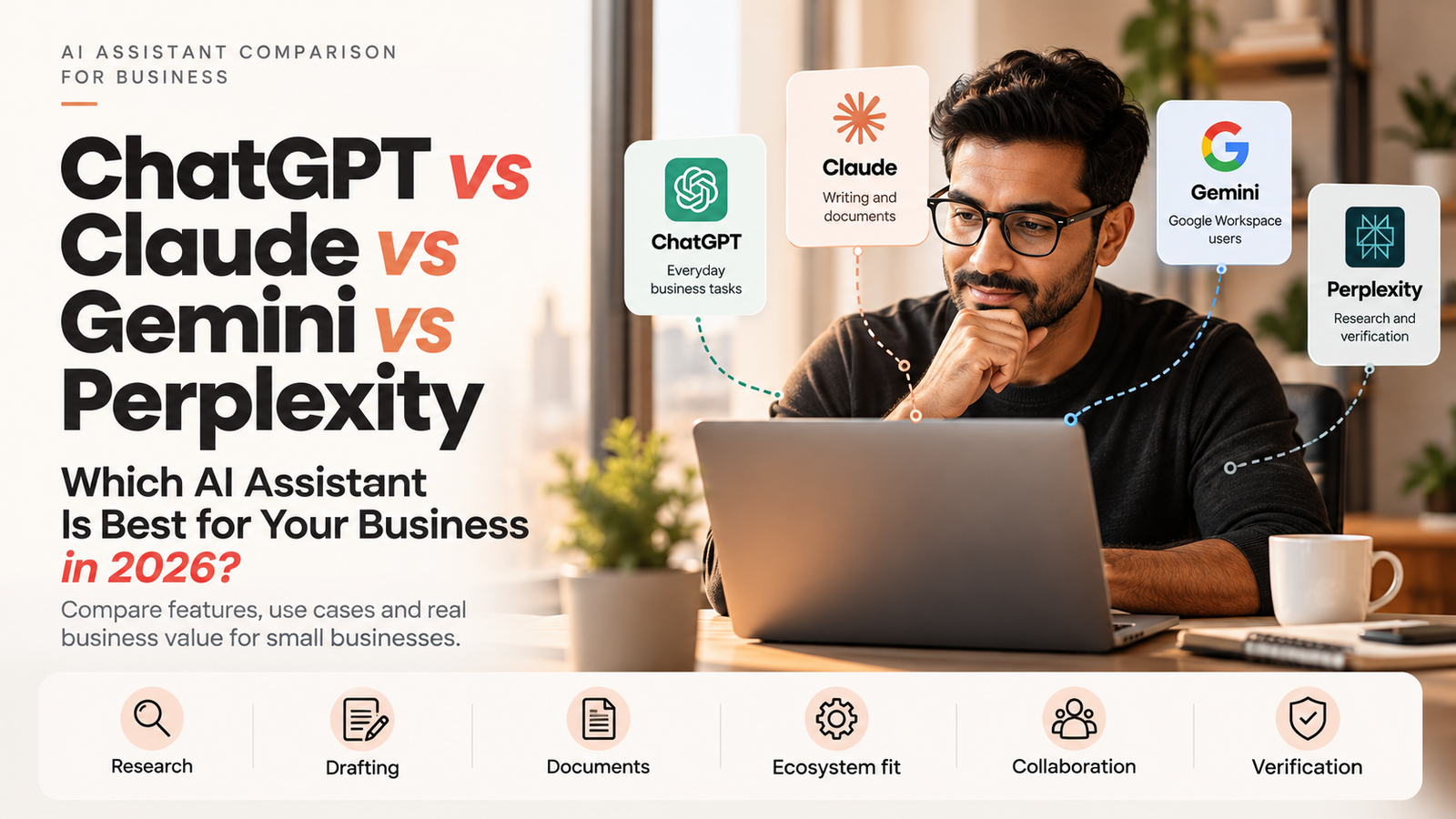
ChatGPT vs Claude vs Gemini vs Perplexity: Which Should You Choose?
Here is a simple way to think about the differences.
Choose ChatGPT as a starting point if you need a flexible assistant for marketing, planning, writing, and everyday operations.
Consider Claude if a large portion of your work involves writing, reading, and improving detailed documents.
Consider Gemini if your company already uses Google Workspace extensively and you want AI assistance inside familiar applications.
Consider Perplexity if research, source discovery, and information verification are regular requirements.
These are starting points, not strict limitations.
All four assistants have overlapping capabilities. Their features also continue to change.
The important question is not what each tool can do in theory.
It is how well it performs the tasks your business actually needs.
Six Things to Compare Before Paying for an AI Assistant
Before choosing a subscription, evaluate these areas:
Research: Can it find useful information and show sources that you can verify?
Drafting: Can it prepare emails, marketing content, proposals, and other written material in your preferred style?
Documents: Can it handle the reports, spreadsheets, and files you regularly use?
Ecosystem fit: Does it work with the applications your business already depends on?
Collaboration: Can your team share relevant work, manage access, and follow consistent processes?
Verification and privacy: Can you check its answers, and does the plan offer suitable controls for sensitive business information?
You do not need an assistant that performs every possible task.
You need one that performs your most important tasks reliably.
A Simple Test Before Choosing Your AI Assistant
Here is a practical approach that small business owners can use.
Step 1: Identify Three Tasks You Repeat Every Week
For example, suppose you regularly prepare customer emails, write social media content, and research competitors.
These are your three test activities.
Step 2: Test the Same Work Across Different Assistants
Give two or three AI assistants the same instructions and relevant sample information.
For instance:
“Create five LinkedIn content ideas for a digital marketing consultant targeting small business owners. Keep the language simple, explain the business value, and avoid exaggerated claims.”
Compare the results.
Which output is easier to understand?
Which requires fewer changes?
Which matches your intended audience?
Step 3: Measure the Actual Time Saved
Suppose writing a proposal manually takes 60 minutes.
With an AI assistant, you complete the first draft in 10 minutes but spend another 20 minutes correcting it.
Your total time is now 30 minutes.
That is a meaningful improvement.
But if another assistant creates a draft in five minutes and requires 50 minutes of corrections, the benefit is much smaller.
The initial response speed is not the most important measurement.
The time required to produce a usable result matters more.
Step 4: Check the Total Cost
Do not compare subscription prices alone.
Look at how frequently you use the tool, whether it supports your team, and whether it reduces paid work or repetitive activities.
An affordable subscription that nobody uses is still an unnecessary expense.
Step 5: Keep Human Review in the Process
Review important output before sending it to customers or using it for business decisions.
Be especially careful with financial information, confidential customer data, legal documents, and unsupported claims.
AI should support your judgment, not replace it.
Do Small Businesses Need More Than One AI Assistant?
Not necessarily.
Some businesses may benefit from combining tools.
For example, a marketing agency might use Perplexity for initial research and ChatGPT for campaign planning.
A consulting team might use Claude for detailed document work and Gemini for tasks inside Google Workspace.
But using multiple tools is not automatically better.
More subscriptions can introduce extra costs, duplicated effort, and additional data management concerns.
For most small businesses, starting with one primary assistant and adding another only when there is a clear need is a sensible approach.
Frequently Asked Questions
Which AI assistant is best for a small business?
There is no single best option for every small business. ChatGPT is a flexible starting point for general tasks, while Claude, Gemini, and Perplexity may fit particular document, ecosystem, or research needs.
Is ChatGPT better than Claude for business writing?
Both can create and edit business content. The better choice depends on the document, your instructions, preferred writing style, and the amount of editing required. Testing the same real document is more useful than relying on a general ranking.
Is Gemini useful without Google Workspace?
Gemini can assist with general tasks outside Google Workspace. However, businesses that already rely on supported Google applications may gain additional value from its integrations.
Can Perplexity replace business research?
It can make research faster by gathering and organizing information, but it should not replace checking original sources or applying professional judgment.
Final Thoughts: Choose the AI That Improves Your Work
The AI market is moving quickly.
New models, features, and comparisons appear regularly.
It is easy to spend more time reading about AI tools than actually using them.
For small business owners, that can become another productivity problem.
Instead of chasing the latest AI ranking, focus on your daily operations.
Identify the tasks that consume the most time.
Test different assistants using the same work.
Compare accuracy, editing effort, integration, privacy, collaboration, and cost.
Then choose the solution that delivers practical value.
The smartest AI assistant is not always the best assistant for your business.
The right one is the tool that helps you complete meaningful work more efficiently.
What About Your Business?
Are you currently using ChatGPT, Claude, Gemini, or Perplexity?
Which business task takes up most of your time?
Share your experience or connect with Kishor Nair for more practical insights on AI, digital marketing, and business productivity.