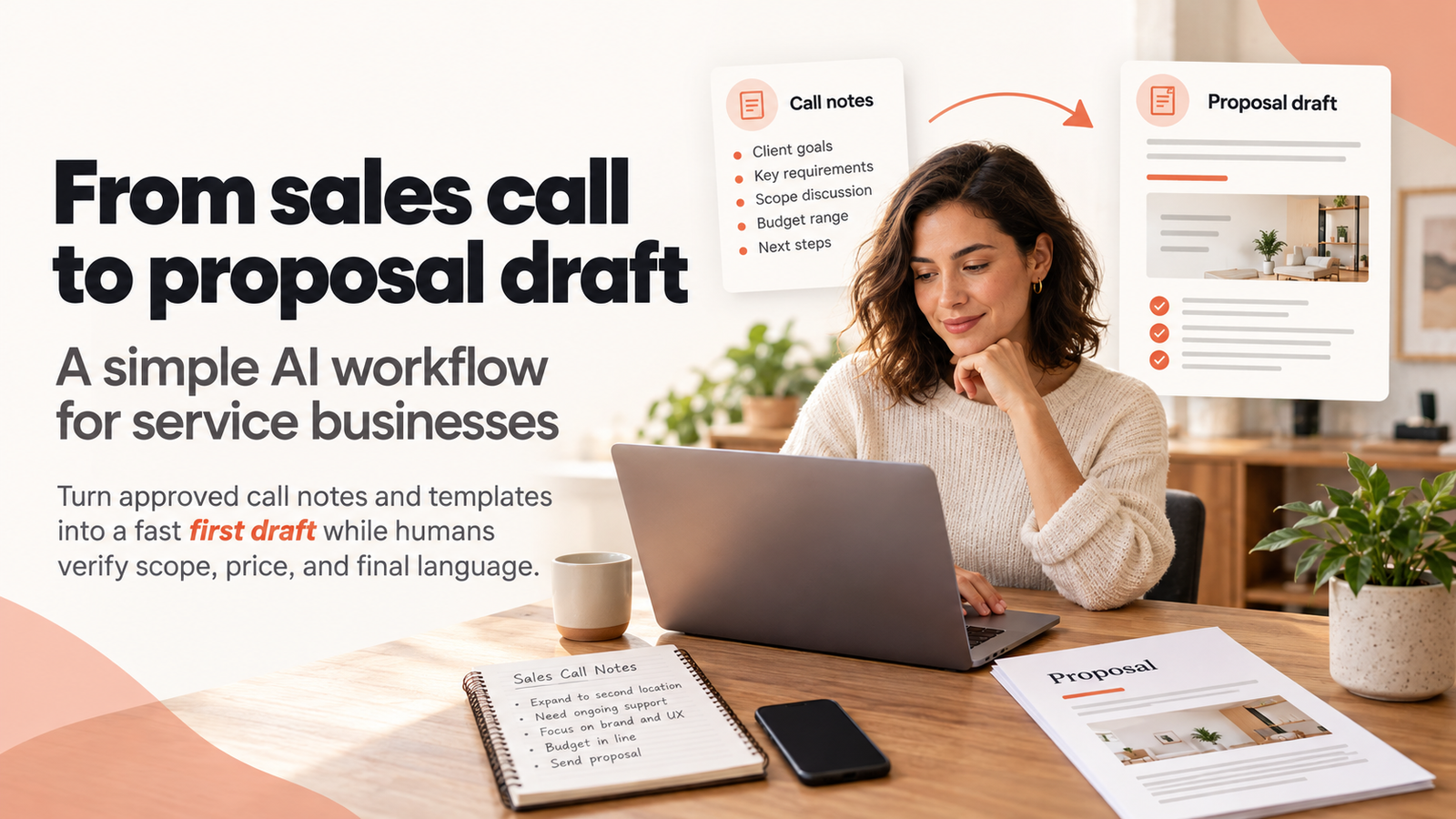
How small business owners can use AI proposals and quotes to save time, reduce repetitive work, and create professional proposals without starting from scratch.
By Kishor Nair
Introduction: Your Sales Call Is Over. Now the Real Work Begins.
You’ve just finished a productive sales call.
The potential client is interested. You’ve discussed their requirements, budget, expectations, and project timeline.
Now it’s time to send a proposal.
But instead of moving quickly, you open a blank document and start writing.
You review your meeting notes, copy information from previous proposals, rewrite the scope of work, prepare the pricing, and format everything.
Before you know it, you’ve spent hours preparing a document that follows almost the same structure as your last proposal.
For small business owners, this is a familiar problem.
The good news? You don’t need to create every proposal from scratch.
With a simple AI workflow, you can turn approved sales call notes into a structured first draft while keeping important business decisions in your hands.
Let’s look at how it works.
Why Creating Client Proposals Takes So Much Time
Every client is different, but most service business proposals contain similar sections.
These usually include:
Client background and project requirements
Scope of work and deliverables
Proposed approach
Project timeline
Pricing and payment terms
Next steps
The challenge isn’t always knowing what to write.
It’s repeatedly organizing information, rewriting familiar sections, and making sure nothing important is missing.
For example, imagine you run a website design agency.
You speak with three potential clients in one week.
Each client needs a different website, but every proposal requires an introduction, project scope, deliverables, timeline, and quotation.
Writing all three documents manually can take valuable time away from client work.
This is where AI proposals and quotes can make a practical difference.
AI can help organize your information and prepare a first draft. You remain responsible for reviewing and approving the final document.
A Simple Workflow: From Sales Call to Proposal Draft
You don’t need a complicated automation setup to get started.
The process can be broken into four steps.
Step 1: Capture and Organize Your Sales Call Notes
The first step is collecting useful information from your conversation.
After each sales call, organize your notes into a consistent format.
Capture the following details:
Client requirements: What does the client need?
Business problem: What are they trying to solve?
Project scope: What work has been discussed?
Budget: Has a budget or price range been mentioned?
Timeline: When does the client expect the work to be completed?
Special requests: Are there any additional requirements?
For example, a website design client might share these requirements:
Client: Local fitness studio
Project: New business website
Requirements: Five pages, a contact form, and an online class booking feature
Goal: Make it easier for potential customers to discover services and book classes
Budget: To be confirmed
Timeline: To be discussed
These notes provide a useful starting point.
You don’t need a perfect meeting transcript.
You need a clear, accurate summary that the business owner has reviewed and approved.
Make sure any client information is handled securely and only shared with approved AI tools.
Step 2: Build a Reusable Proposal Template
One of the most effective ways to reduce proposal writing time is to create a standard template.
Think about your previous proposals.
Which sections do you write repeatedly?
You can create a reusable structure that includes:
Project overview
Understanding of client requirements
Proposed solution
Scope of work
Deliverables
Project timeline
Pricing and payment terms
Next steps
Once your template is ready, you can reuse it for future projects.
The goal is not to send identical proposals to every client.
It’s to keep the structure consistent while personalizing the content.
A good template saves you from repeating the same work without making your proposals feel generic.
Step 3: Use AI to Create the First Draft
Now comes the useful part.
Take your approved meeting notes and proposal template, then provide them to an AI writing assistant.
Ask it to organize the information into your existing proposal structure.
For example, you could use this prompt:
Create a professional proposal draft using the approved client notes and proposal template below.
Use simple, clear language.
Include the project overview, client requirements, proposed solution, scope of work, deliverables, timeline, and pricing section.
Do not invent prices, deadlines, services, or commitments.
Mark any missing information as “To be confirmed.”
Keep the proposal personalized to the client’s requirements.
This is a first draft for human review, not a final client document.
Then add your approved notes and template.
AI can help you organize the information, turn bullet points into readable paragraphs, and prepare a consistent document.
Instead of starting with an empty page, you now have a draft you can review and improve.
Remember, the quality of the draft depends on the clarity and accuracy of the information you provide.
Step 4: Review the Proposal Before Sending It
This is the most important step.
AI can prepare the draft, but it should not make final business commitments for you.
Before sending a proposal, carefully check four areas.
1. Scope of work
Does the proposal include only the services you have agreed to offer?
Make sure AI hasn’t added extra deliverables or misunderstood the client’s request.
2. Pricing
Verify all quotes against your approved pricing, estimated effort, and project requirements.
Never assume an AI-generated price is correct.
3. Timeline and commitments
Check the delivery schedule and every promise made in the document.
A proposal should reflect what your business can realistically deliver.
4. Final language
Read the proposal from the client’s perspective.
Is it clear? Does it address their actual needs? Is anything confusing or too technical?
Make changes wherever necessary.
Your expertise and professional judgment are what turn an AI draft into a trustworthy client proposal.
Practical Example: A Website Design Agency
Let’s compare two ways a small website design agency might create proposals.
Traditional Process
After a client call, the owner:
Reviews handwritten notes
Opens an old proposal
Copies useful sections into a new document
Rewrites the project description
Adds deliverables and pricing
Adjusts the formatting
Checks the final document
Most of this work happens manually.
AI-Assisted Process
With a simple AI workflow, the owner:
Organizes and approves the meeting notes
Selects the standard website proposal template
Uses AI to generate a personalized first draft
Confirms the scope, pricing, and delivery commitments
Reviews the language and sends the approved version
The second approach doesn’t remove the owner’s responsibility.
It reduces the repetitive writing and formatting involved in preparing the document.
That leaves more time for important activities such as understanding client needs, improving services, and delivering quality work.
Common Mistakes to Avoid When Using AI for Proposals
AI can be helpful, but only when it’s used carefully.
Here are some common mistakes to watch for.
Mistake 1: Asking AI to invent the entire proposal
Without accurate client information, AI may create content that sounds professional but doesn’t reflect the actual project.
Always start with verified notes.
Mistake 2: Letting AI decide the price
Your pricing should reflect your costs, experience, margins, and business strategy.
Use approved price information rather than relying on AI-generated estimates.
Mistake 3: Sending the first draft without reviewing it
Even well-written drafts can contain errors, unsupported claims, or unclear commitments.
Always review before sending.
Mistake 4: Using the same language for every client
A reusable template is helpful, but clients still expect you to understand their unique requirements.
Personalize the project description and proposed solution.
Mistake 5: Ignoring client confidentiality
Sales conversations can contain sensitive business information.
Use approved tools, follow your privacy obligations, and avoid sharing confidential details unnecessarily.
How to Start Using AI Proposals and Quotes in Your Business
You don’t need to automate everything immediately.
Start with one small experiment.
First: Choose a proposal you’ve already completed and approved.
Second: Remove client-specific and confidential information to create a reusable template.
Third: Take approved notes from a suitable sales conversation.
Fourth: Use an approved AI assistant to prepare a first draft from the notes and template.
Finally: Review the result and compare the process with your usual approach.
Ask yourself:
Did this reduce repetitive writing?
Was the scope accurately captured?
Which sections required the most editing?
Did the final document remain clear and professional?
Would this workflow be useful for future proposals?
These questions will help you improve the process over time.
You can also refine your template whenever you notice repeated corrections or missing information.
The Real Benefit Is More Than Saving Time
For small service businesses, time is one of the most valuable resources.
Every hour spent rebuilding familiar documents is an hour that could be used for client conversations, service delivery, or business development.
AI proposals and quotes are not about replacing professional expertise.
They are about using technology to handle repetitive drafting tasks while people stay responsible for decisions.
A well-designed workflow can help you create more consistent first drafts, organize client requirements, and make the proposal process easier to manage.
And when proposal preparation becomes simpler, you can focus more attention on the relationship behind the document.
Final Thoughts: AI Drafts. You Decide.
Creating tailored client proposals shouldn’t mean starting from a blank document every time.
A better approach is to combine three things:
Approved sales call notes + a reusable proposal template + AI-assisted drafting.
Then add the most important element: human review.
Let AI help with the first draft.
Let your experience guide the final offer.
Start with one proposal, improve your workflow, and build a process that works for your business.
Because the goal isn’t just to write proposals faster.
It’s to spend less time preparing documents and more time creating value for your clients.
Your Turn
What’s the most time-consuming part of creating client proposals in your business?
Is it writing the scope, preparing accurate quotes, or formatting the final document?
Share your experience in the comments.
#AIProposals #AIForSmallBusiness #BusinessAutomation #ServiceBusiness #SmallBusinessGrowth