You sign up for a free AI tool trial.
You explore the dashboard, experiment with a few features, and generate some impressive results.
For the first few days, everything looks promising.
Then the trial is about to expire.
You receive a notification asking you to upgrade to a paid plan.
And suddenly, you’re stuck with a familiar question:
“Is this AI tool actually worth paying for?”
If you’re a small business owner, you’ve probably experienced this.
The problem isn’t that there are too many AI tools available.
The problem is that most business owners start free trials without knowing exactly what success should look like.
A better approach is simple:
Don’t trial an AI tool by clicking around. Test it against one real business problem.
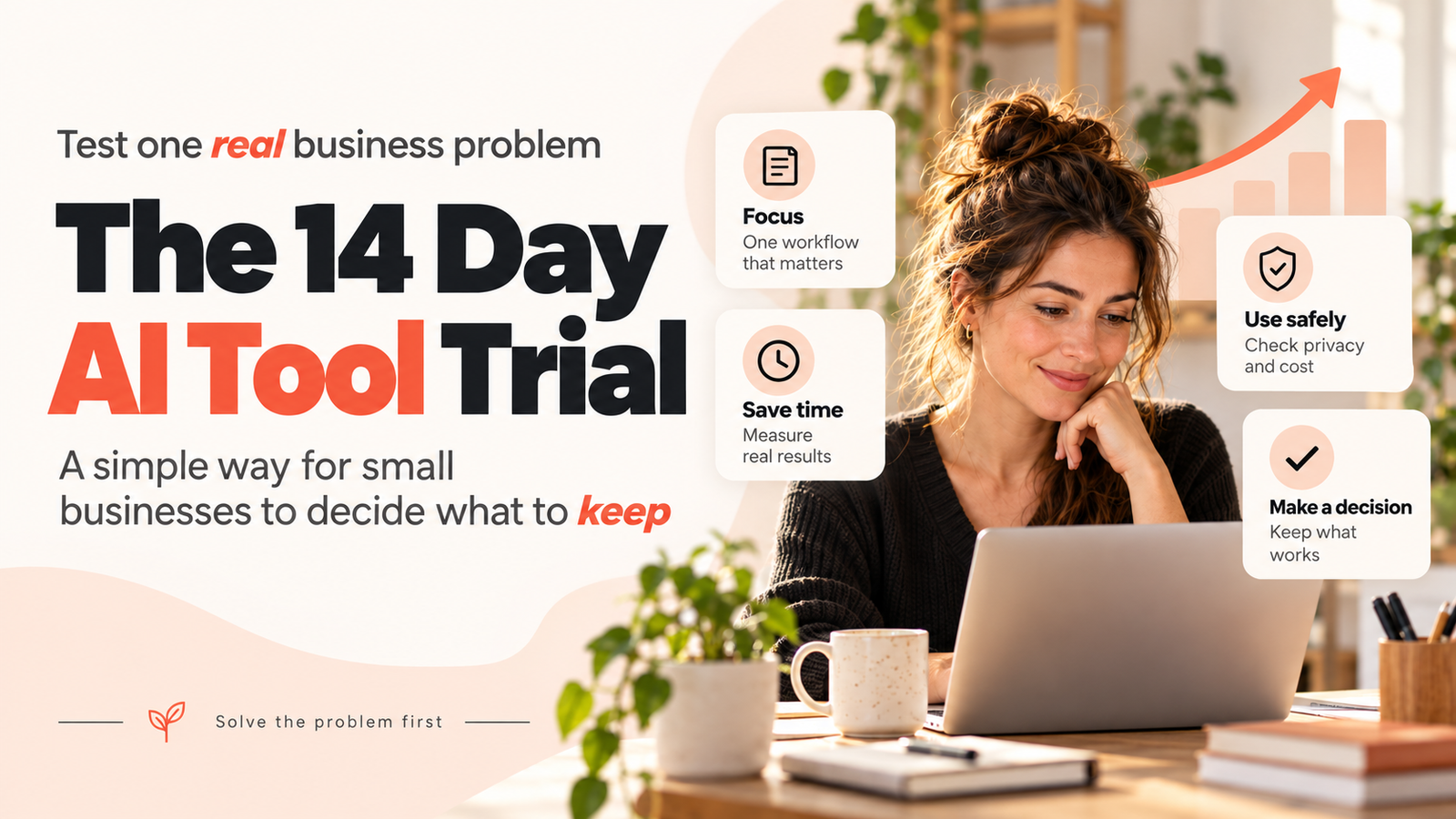
In this guide, you’ll learn how to conduct a structured 14-day AI tool trial for small businesses, measure actual results, and make a confident keep-or-cancel decision.
Why Most AI Free Trials Fail Small Businesses
AI tools promise faster workflows, better productivity, and reduced manual work.
But trying a tool and evaluating its business value are two different things.
Many small business owners make three common mistakes.
1. Exploring features instead of solving problems
You open an AI platform and start experimenting with everything it offers.
Content generation. Chatbots. Automation. Analytics.
After several days, you know what the software can do, but you still don’t know what it can do for your business.
2. Not measuring the starting point
Suppose an AI tool helps you write customer emails faster.
That’s useful.
But how much faster?
If you don’t know how long the task took before using AI, you can’t accurately measure the improvement.
3. Making decisions based on excitement
A tool with an impressive interface and advanced features can seem valuable.
But those features mean little if your business doesn’t need them.
The right question isn’t:
“What features does this AI tool offer?”
It’s:
“Does this tool solve a problem that currently costs my business time, money, or effort?”
That’s where a structured trial becomes useful.
The 14-Day AI Tool Trial for Small Businesses
This practical testing process helps you evaluate AI software before committing to a monthly subscription.
It focuses on six essential areas:
Defining one workflow
Recording your current baseline
Selecting test users
Measuring business results
Reviewing safety and cost
Making a keep-or-cancel decision
Let’s walk through each stage.
Days 1 and 2: Choose One Business Workflow
Start by identifying one repetitive task in your business.
Not five tasks.
Not every possible AI feature.
Just one workflow that consumes valuable time or regularly creates operational problems.
For example:
Writing follow-up emails to potential customers
Responding to frequently asked customer questions
Creating product descriptions
Preparing weekly marketing reports
Drafting social media content
Organizing customer inquiries
Suppose you run a small digital marketing agency.
Your team spends considerable time writing personalized follow-up emails for new leads.
You want to test whether an AI writing assistant can reduce that workload without affecting communication quality.
That becomes your trial objective.
Your goal is not to discover everything the AI tool can do.
Your goal is to find out whether it improves that specific workflow.
Action step
Write a simple problem statement:
“We want to reduce the time spent drafting lead follow-up emails while maintaining professional quality.”
This statement will guide the entire trial.
Day 3: Record Your Current Baseline
Before introducing AI into the workflow, measure how the task currently performs.
This is your baseline.
Without it, any improvement will be difficult to prove.
Record three things.
Time
How long does the task currently take?
Example: 30 minutes per day.
Frequency
How often does your team complete this task?
Example: Five working days per week.
Quality
How frequently does the work require corrections, revisions, or additional review?
Example: Most emails need a final manual check.
You now have a starting point against which to measure AI performance.
A simple tracking table can help.
| Metric | Before AI |
|---|---|
| Daily time spent | 30 minutes |
| Weekly frequency | 5 days |
| Output quality | Manual review needed |
| Main challenge | Repetitive drafting |
The objective is not to collect complicated data.
It’s to understand the current business cost of the workflow.
Days 4 and 5: Select Your Test Users
An AI tool may work well for one person but create confusion for others.
That’s why it’s helpful to include the people who will actually use it.
For a small business, one or two test users may be enough for an initial trial.
Choose team members who regularly perform the selected task.
Explain:
Which workflow they should test
What type of output they should produce
How to record time and corrections
When human review is required
For example, ask a marketing assistant to use an AI tool to prepare lead follow-up email drafts.
They should record how long each draft takes, including editing and quality checks.
Avoid giving everyone access immediately.
A smaller test group makes it easier to identify problems before expanding usage.
Important safety consideration
Before your team begins, check the platform’s data-handling policies.
Avoid entering confidential business information or identifiable customer data unless the tool is approved for that use.
Use sample or anonymized information whenever possible.
Days 6 to 11: Measure Actual Results
This is where the trial starts producing meaningful information.
Your team should now use the AI tool for the selected workflow and compare its results against the original baseline.
Focus on four practical metrics.
1. Time saved
Does the tool genuinely reduce the time required?
For example:
Before AI: 30 minutes per day.
With AI: 12 minutes per day, including review and editing.
That’s a saving of 18 minutes per working day.
Over 20 working days, it could save six hours.
This is an illustrative example. Your actual results will depend on the task, team, and tool.
2. Output quality
Faster isn’t always better.
If AI produces inaccurate or poorly written content, your team may spend extra time fixing the results.
Ask whether the output is accurate, useful, and consistent with your business standards.
3. Ease of use
Can team members complete the workflow without constant technical assistance?
An AI tool should simplify operations, not introduce unnecessary complexity.
4. Consistency
Does the tool perform reliably across multiple tasks?
Don’t judge a platform based on one impressive result.
Test it repeatedly across realistic situations.
A simple AI trial scorecard
| Metric | What to measure |
|---|---|
| Time savings | Minutes saved per task |
| Quality | Number of corrections |
| Ease of use | Support or training needed |
| Consistency | Successful outputs across tasks |
| Business value | Value of time saved versus cost |
By the end of this testing period, you should have enough evidence to understand whether the tool delivers meaningful benefits.
Days 12 and 13: Review Safety, Pricing, and Hidden Costs
An AI tool can appear efficient during a free trial but become expensive or risky after implementation.
Before paying, review the following areas.
Data privacy
What information does the platform collect?
How is business data stored and used?
Can you control access and remove stored information?
These questions are especially important when handling customer information.
Accuracy and reliability
Does the AI occasionally generate misleading, outdated, or incorrect information?
What level of human supervision is required?
For customer-facing content, accuracy should never be optional.
Subscription pricing
Review the actual monthly subscription.
Look beyond the advertised starting price.
Check for user limits, usage restrictions, additional charges, and pricing changes after the trial.
Integration with existing tools
Does the platform work with your current business processes?
For example, an AI marketing tool may be more valuable when it integrates smoothly with your existing CRM or email platform.
Hidden operating costs
Consider the time spent reviewing outputs, training employees, and maintaining the workflow.
A cheaper subscription is not necessarily the better option if it creates more work.
Day 14: Make the Keep-or-Cancel Decision
Now comes the most important part of the trial.
You need to decide whether the tool deserves a place in your business.
This decision shouldn’t depend on how impressive the AI technology feels.
It should depend on measurable results.
Set a clear success rule
Before starting the trial, establish what successful performance means.
For example:
“We will keep this AI tool if it reduces drafting time by at least 25%, maintains acceptable output quality, meets our privacy requirements, and fits within our budget.”
At the end of the trial, compare the actual results with that rule.
If the tool meets your requirements, a paid subscription may make sense.
If it doesn’t, cancel the trial.
You can also consider another tool that addresses the same problem.
There’s no reason to continue paying for software simply because you’ve already invested time learning it.
Example: Is an AI Writing Tool Worth Paying For?
Let’s consider a hypothetical small business.
A marketing team spends 30 minutes per working day drafting follow-up emails.
After introducing AI, the same work takes 12 minutes, including human review.
Here’s the comparison.
| Measurement | Result |
|---|---|
| Original daily time | 30 minutes |
| AI-assisted daily time | 12 minutes |
| Daily time saved | 18 minutes |
| Monthly time saved | 6 hours |
| Example hourly staff cost | $15 |
| Estimated monthly time value | $90 |
If the AI subscription costs $20 per month, the potential time value exceeds the subscription cost by $70.
This estimate assumes 20 working days per month and that the saved time has productive business value. It does not include implementation costs or other overhead.
The tool may be worth keeping if the quality remains acceptable, the workflow is reliable, and the privacy requirements are satisfied.
But if employees spend another 20 minutes correcting inaccurate AI outputs, the apparent productivity gain disappears.
That’s why real workflow testing matters more than feature demonstrations.
Five Questions to Ask Before Paying for Any AI Tool
Before upgrading from a free trial, ask yourself:
Did this AI tool solve the specific problem I wanted to address?
Can I demonstrate measurable time savings or quality improvements?
Can my team use it without unnecessary complications?
Does it meet our business privacy and accuracy requirements?
Is the subscription cost justified by the value it provides?
If you cannot confidently answer these questions, you may need further testing or a different solution.
Common Mistakes to Avoid During an AI Tool Trial
Even a structured testing process can fail if you make these mistakes.
Testing too many workflows
Trying to automate everything at once makes results difficult to measure.
Start with one workflow and expand only after proving its value.
Ignoring human review
AI-generated content can contain mistakes.
Include editing, verification, and supervision time in your measurements.
Focusing only on subscription price
A $10 tool isn’t automatically better than a $30 tool.
Compare the value delivered, not just the monthly fee.
Forgetting to cancel
Record the trial expiry date when you register.
Set a reminder before automatic billing begins.
Your decision should be intentional, not the result of forgetting a deadline.
Final Thoughts: Buy AI Tools for Results, Not Features
Small businesses don’t need to adopt every new AI tool.
They need technology that solves practical problems.
A structured 14-day AI tool trial helps you move beyond impressive demonstrations and evaluate real business outcomes.
Define one workflow.
Measure your starting point.
Test with real users.
Track improvements.
Review the risks and costs.
Then make a clear decision.
Remember:
The best AI tool isn’t necessarily the one with the most advanced features.
It’s the one that solves a business problem worth paying to fix.
Your Next Step
Think about one repetitive task in your business that consumes time every week.
It might be responding to leads, creating content, preparing reports, or managing customer inquiries.
Choose that task and use the next AI free trial to measure one thing: whether the tool genuinely makes your business better.
What’s the first business workflow you’d like to test with AI?
Share your thoughts in the comments.
Written by Kishor | AI Digital Marketing
Helping small businesses explore practical AI tools, smarter marketing workflows, and better digital productivity.